
Cookie Consent
Bread & Butter respects the choice your visitors make about analytics and marketing. If your website already has a consent tool, Bread & Butter follows the choice visitors make there. If it doesn't, Bread & Butter's own Cookie Consent notice tells visitors what you use and why, and gives them a way to anonymize their visit at any time.
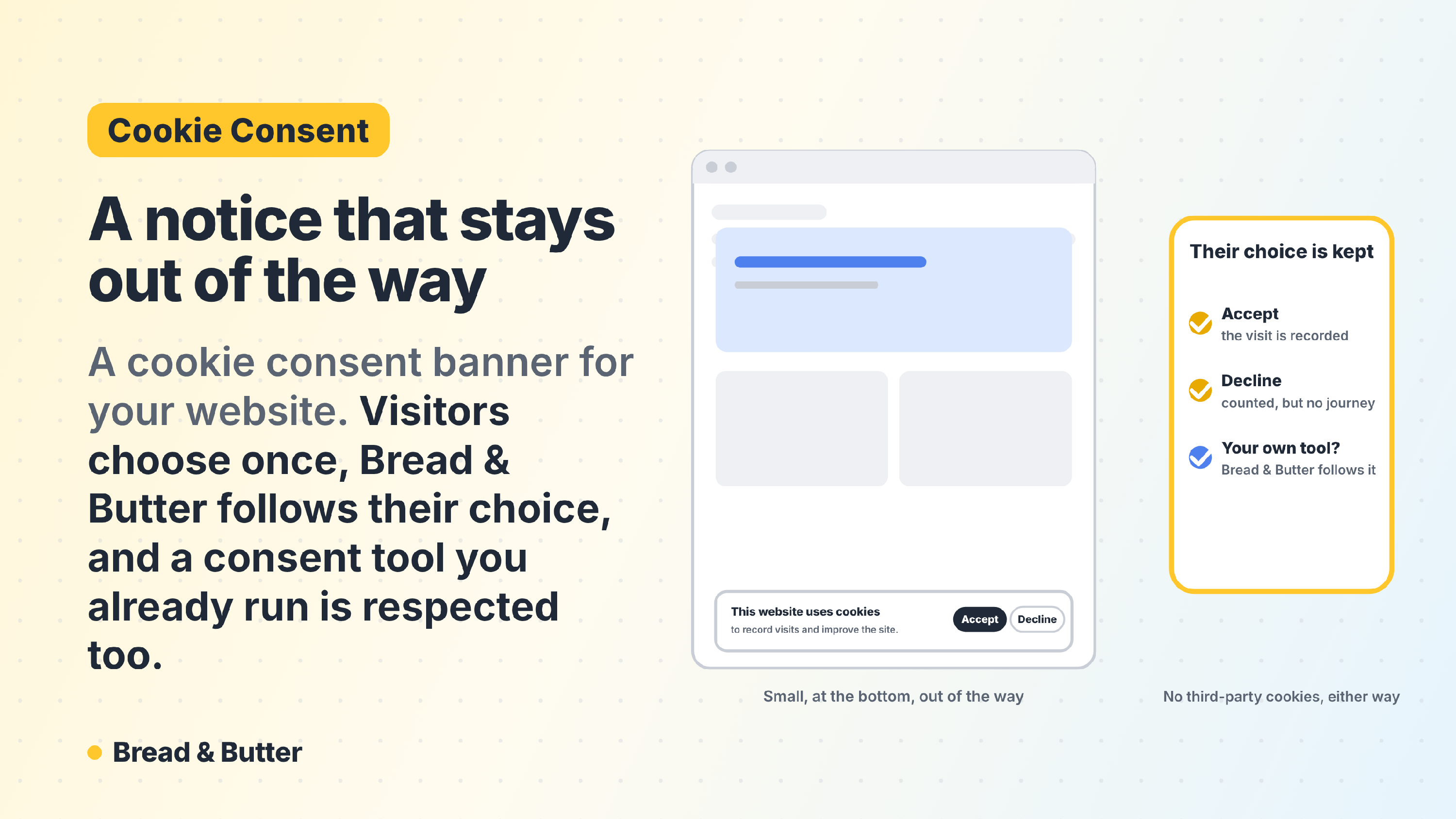
In short: If your website runs a consent tool such as Complianz, CookieYes, Cookiebot or OneTrust, Bread & Butter reads the visitor's choice from it, through the WP Consent API on WordPress or Google Consent Mode on any website. Bread & Butter counts as both analytics and marketing. A visitor who allows both is tracked as usual; one who declines either has nothing stored on their device and is counted only in your totals, with no journey and no Focused Score. If your website has no consent tool, you can turn on Bread & Butter's own notice: a small window at the bottom of the page, in your website's colours, that explains what you use, links to your Privacy Policy and Terms, and lets visitors anonymize their visit through the Privacy Manager. Rules differ by country, so check with your legal team that your setup fits where your visitors are.
How it works
If your website has a consent tool, Bread & Butter follows it. Most consent tools let visitors choose which kinds of tools they allow, usually in categories such as statistics (or analytics) and marketing. Bread & Butter falls into both.
| The visitor's choice | What Bread & Butter does |
|---|---|
| Allows analytics and marketing | Records their journey, scores it, and researches them when they raise a hand, as usual. |
| Declines either | Stores nothing on their device. Each page they view is counted in your All Traffic totals, with bots taken out, but they have no journey, no Focused Score and aren't counted as Focused. |
| Changes their mind | Allowing later starts the journey from that moment. Withdrawing stops it and clears what Bread & Butter stored on their device. |
A visitor who declined can still fill in your form or continue with Google. They become a lead with their email address, but with no journey and no research, unless they later allow analytics and marketing in your consent tool. The consent tool always wins.
When a consent tool is found, Bread & Butter's own notice stays hidden, so visitors never see two banners.
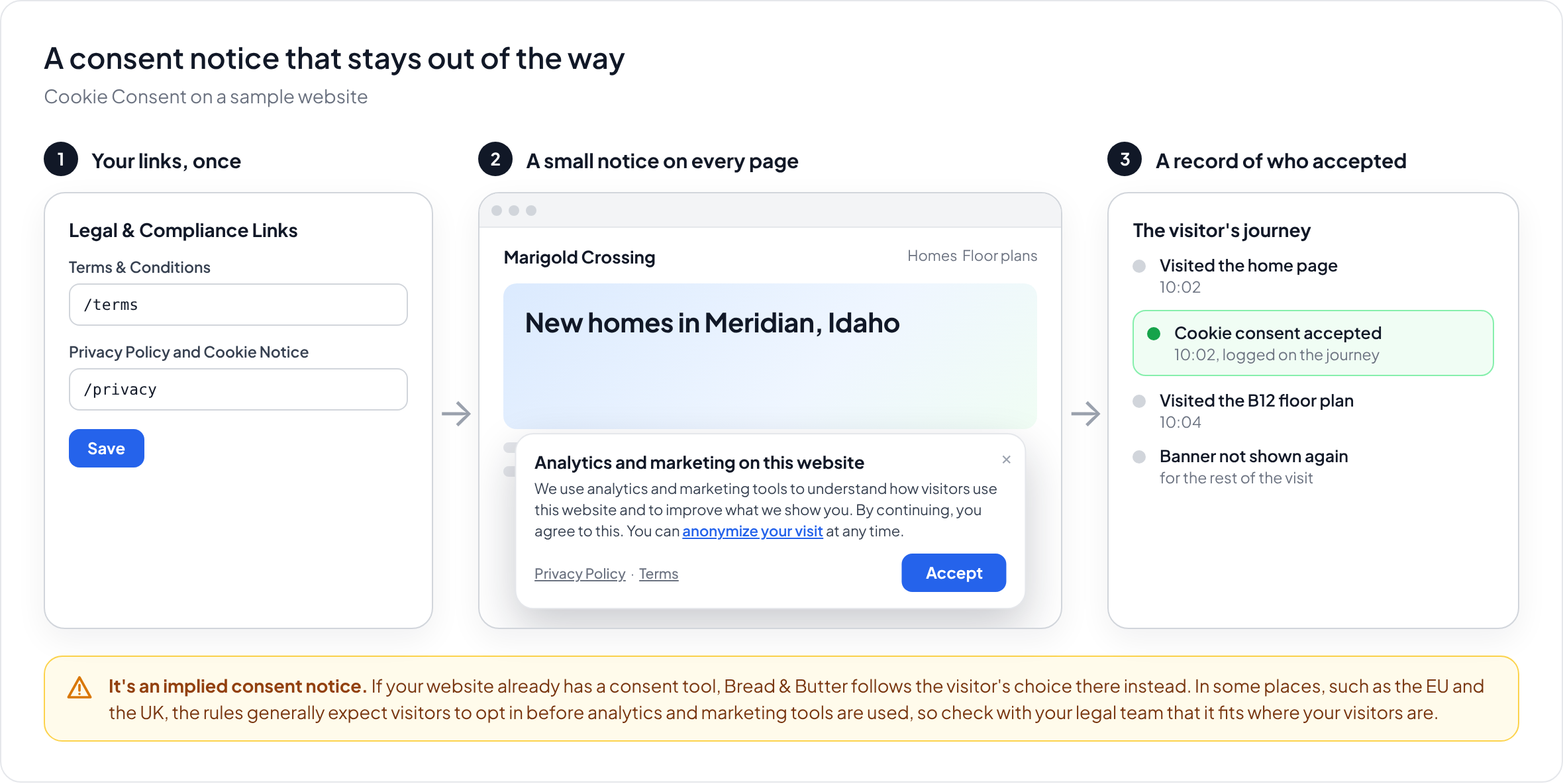
If your website has no consent tool, you can turn on Bread & Butter's own notice. It appears as a small window at the bottom of the page:
Analytics and marketing on this website We use analytics and marketing tools to understand how visitors use this website and to improve what we show you. By continuing, you agree to this. You can anonymize your visit at any time. Privacy Policy · Terms Accept
Accepting, closing the notice or carrying on using the website counts as agreeing. When a visitor clicks Accept, a Cookie Consent event is added to their journey, with the time. The notice doesn't show again for the rest of their visit.
"Anonymize your visit" opens the Privacy Manager:
- A visitor who hasn't raised a hand has their journey stopped on that device straight away, and what Bread & Butter stored there is cleared.
- A visitor who has raised a hand confirms it's really them with a PIN sent to their email address, and the request comes to you to approve. Once approved, their details are disconnected from their journey.
Which consent tools Bread & Butter follows
- On WordPress: any consent tool that supports the WP Consent API, including Complianz, CookieYes and Cookiebot's WordPress plugin. Bread & Butter checks the statistics and marketing categories.
- On any website: any consent tool that sets Google Consent Mode, which includes most of the widely used ones. Bread & Butter checks analytics_storage and ad_storage.
There's nothing to set up. If your consent tool supports either of these, Bread & Butter follows it automatically. If you use a consent tool that supports neither, contact us.
Why use it
- One choice, respected everywhere. Visitors decide once, in your consent tool, and Bread & Butter follows that choice alongside your other tools.
- A notice that stays out of the way. If you don't have a consent tool, Bread & Butter's notice is a small window in your website's colours, not a wall of toggles.
- A real way out. Instead of a Decline button, every visitor can anonymize their visit at any time, through the Privacy Manager.
- Honest totals. Visitors who decline are still counted in your traffic, so your numbers don't silently shrink.
- A record of who accepted. Every Accept is added to the visitor's journey, with the time.
Check that your setup fits where your visitors are
Bread & Butter's own notice works on implied consent: carrying on counts as agreeing. That's a common approach, but it isn't enough everywhere. In some places, such as the European Union and the United Kingdom, the rules generally expect visitors to actively opt in before analytics and marketing tools are used. If many of your visitors are there, a consent tool that asks first, and that Bread & Butter follows, is usually the better fit.
Privacy law varies by country and changes often, and only you know where your visitors are and what your website uses. Check with your legal team or compliance officer that your setup meets your needs. See How Bread & Butter helps you with privacy and consent.
Set up Bread & Butter's own notice
You only need this if your website has no consent tool.
Step 1: Add your legal links
In Bread & Butter, go to Settings, then Legal & Compliance Links. Paste the URLs for your Terms & Conditions and your Privacy Policy. The notice links to these automatically. See Configuring your Legal and Compliance Links.
Show Image
Step 2: Turn it on
- On WordPress: in your WordPress admin, click Bread and Butter in the left menu, find Cookie Consent and tick the checkbox. The notice uses your website's theme colours automatically, or you can set your own.
- On any other website: turn it on with a setting in the Bread & Butter script. It uses a clean default design, or your own colours.
Step 3: Save
Click Save. The notice now shows on every page of your website, until a visitor accepts it.
Related
- How Bread & Butter helps you with privacy and consent
- Privacy Manager: how visitors can remove their personal information
- Configuring your Legal and Compliance Links
- Server-Side vs. Browser-Side Tracking: The Reliability and Ethics of Bread & Butter
- Who owns the data I collect, and do you resell it?
- Conversion tools overview