
Why your email clicks overstate your results, and what to measure instead
Your email tool says the newsletter did well: a healthy open rate, a click rate above the benchmark. Then nothing much happens. Part of the reason is that a lot of those clicks were never people. Before a message reaches a corporate inbox, the company's email security tools open every link in it to check that it's safe, and your email tool counts each of those checks as a click. The rest of the reason is that a click, even a real one, tells you nothing about what the person did next.
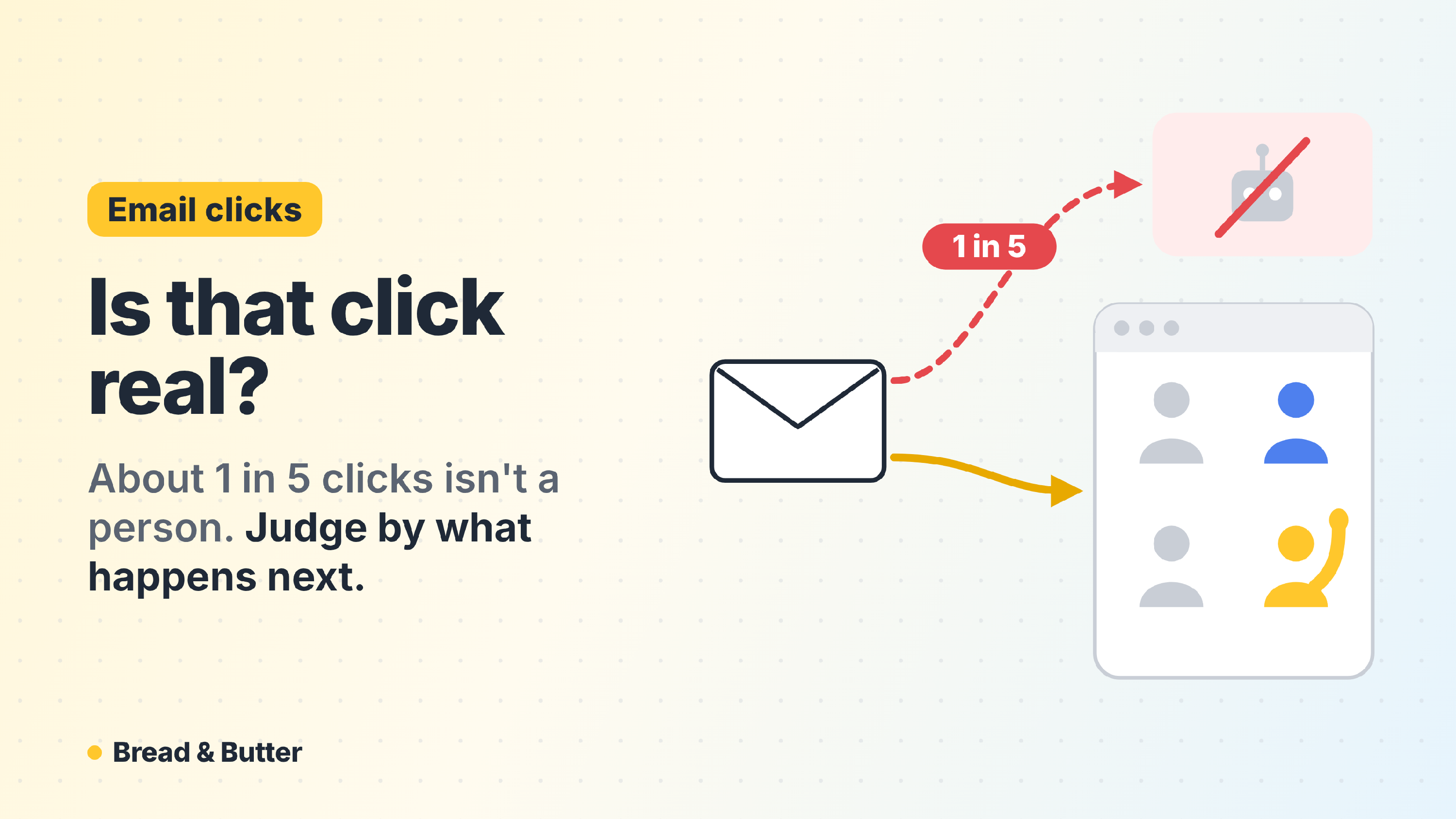
In short: Email security tools such as Microsoft's Safe Links and the gateways companies put in front of their inboxes click every link in an email before the reader sees it, and your email tool counts those as clicks. Mailchimp's own testing puts it at roughly one click in five with basic detection, and close to half with more thorough checks; on corporate lists the share is higher still. Opens are worse: Apple's Mail Privacy Protection loads every email it delivers, so an open no longer means someone read it. Bread & Butter starts where your email tool stops, at the click, and follows it onto your website: whether the visitor read closely, came back or raised a hand, by campaign and by email. Campaigns full of automated clicks are flagged, and every campaign is judged by the people it brought.
Where the fake clicks come from
Security tools that test every link. Companies protect their inboxes with tools that open each link in an incoming email, in a safe environment, to check for anything harmful. They do it before the email is delivered, and sometimes again when it's opened. To your email tool, each of those checks looks like a click, often within seconds of the send and on every link in the message at once.
Privacy features that load every email. Apple's Mail Privacy Protection downloads each email it delivers, images and all, whether or not anyone reads it. Every one of those counts as an open, which is why open rates stopped meaning much after 2021.
How much it adds up to. It varies with your list. Mailchimp says its internal testing finds roughly one click in five is a bot with basic detection, and close to half with third-party intelligence. A list made mostly of work addresses at companies with strict email security skews much higher; a list of personal addresses skews lower. Either way, the click rate in your email tool is the number of times your links were followed, not the number of people who wanted to read more.
Why it matters
The wrong emails look like winners. An email sent to a list heavy with corporate addresses can show the best click rate of the quarter because the scanners clicked everything. The next one gets written to match it.
Real interest gets buried. The people who did click and read are mixed in with the machines, so the campaign that brought three serious buyers looks the same as the one that brought none.
A click still isn't a buyer. Even with every fake click removed, a click only says someone landed on your website. It doesn't say whether they read the page, came back the next week or asked for a price.
What to measure instead
Measure email by what happens after the click, on your website:
- Who read closely. The share of email visitors whose behaviour on the website looks like someone who's interested, against the rest of your traffic.
- Who raised a hand. How many email visitors became leads, and which campaign and which email brought them.
- Who came back. A newsletter's job is often to bring back someone who found you another way. The visit that converts may come from an email even when the first one came from a search.
- Which clicks were people. A campaign with plenty of visitors and almost nobody reading is a campaign full of automated clicks, and should be read that way.
How Bread & Butter does it
Bread & Butter doesn't receive your sends or your opens. It sees the click, and from the click on, everything: every page, every return visit, and the moment someone raises a hand.
- Every campaign and every email, judged by people. Each campaign and each email gets its visitors, the ones who read closely and the ones who became leads, with a Scale, Watch or Investigate verdict once it has enough visitors to judge.
- Automated clicks flagged. A campaign with 50 or more visitors and fewer than 2% of them reading closely is flagged as automated clicks, so it stops flattering the numbers.
- Credit for bringing people back. The leads whose first visit came from an email sit next to the leads an email brought back to convert, so a newsletter that closes what search started gets the credit.
- One question away. Ask your AI assistant for the Email Campaigns report for any period, or "which emails brought buyers last quarter?"
To tell your emails apart, add utm_medium=email , a utm_campaign name for the send and a utm_content name for the email or the button to every link; most email tools can do it for you on every send. See How to Set up UTM to Maximize Visibility into Focused High Intent Traffic.
Related
- Email Campaigns report
- What is my real conversion rate, and why is it higher than my analytics says?
- What is Focused Score and how does it evaluate my traffic?
- Bread & Butter MCP server connections
Sources
- How to Detect Bot Clicks in Email Marketing, Mailchimp ("roughly 1 in 5 clicks are bots when you look with basic detection", "close to 50%" with third-party intelligence; Mailchimp's internal testing)
- The State of Email Bots 2026, Omnivery (vendor data, for background only: Outlook about 30% bot clicks; corporate domains behind security gateways click most links; Apple Mail Privacy Protection makes about half of consumer opens non-human)
Note for T: the URL for article 118 needs its full slug before publishing. Homepage item 16 can carry "about one email click in five" with the Mailchimp source; T's "roughly 25%" sits between Mailchimp's two figures, so I'd use Mailchimp's wording rather than a number of our own.