
Turn an old email list into pipeline: upload it through your AI assistant
Most marketing teams sit on years of email addresses: webinar registrations, trade show scans, old newsletter lists, a spreadsheet someone exported from the last CRM. Nobody knows who those people are today, which of them still matter, or where to start. Give the list to your AI assistant and Bread & Butter works through it for you: every address checked, every person researched live and scored against your best customers, and the ones most likely to buy surfaced first, a steady handful at a time.
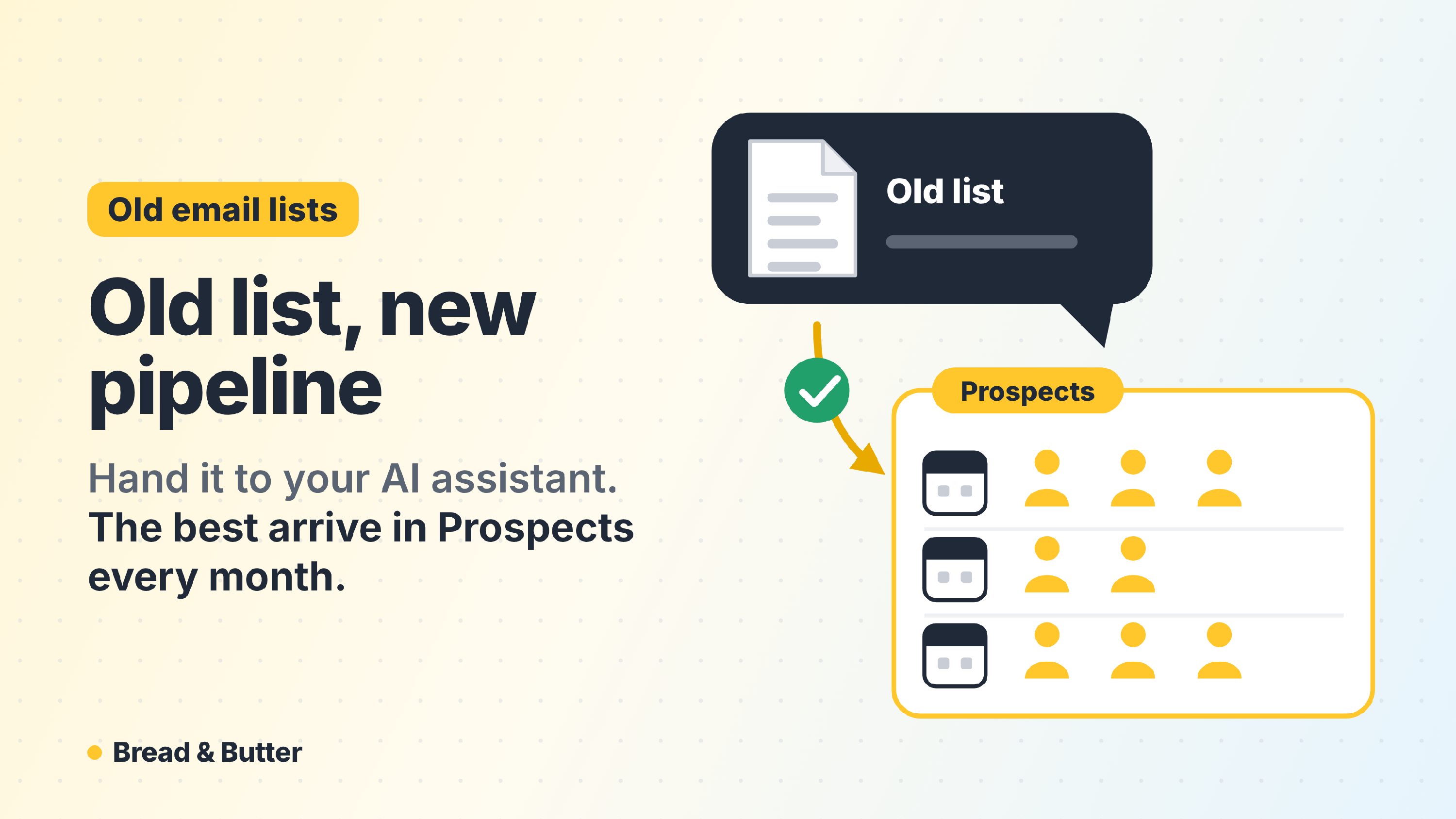
In short: With Bread & Butter connected to Claude, ChatGPT or Copilot, paste a list of email addresses or attach a spreadsheet and give the list a name. Your assistant tidies it first, then Bread & Butter checks every address and tells you how many people it can research each month with the credits your plan has left over. The research is live, not a lookup in a database, so it is spread over time: each month, the next contacts are researched, scored against your Ideal Customer Profile and added to your Prospects tab, the ones most like your customers first. A short list is done straight away. To go faster, add credits to your plan. When anyone on the list comes back to your website, their visit is tracked like everyone else's, and the moment they raise a hand they become an Engaged Lead with their history attached. List upload is part of the Pro Plus plan.
What you can upload
- Any list of email addresses, pasted straight into the conversation.
- A spreadsheet (Excel or CSV) attached to the conversation. First name, last name and company help if you have them; the email address is all that's needed.
- A name for the list, such as "Webinar registrations 2021 to 2024" or "Denver Expo, September 2026". It's required, because it's how you'll find these people again.
There's no upload screen and no file format to get right. Your assistant reads whatever you give it.
How it works
- Ask your assistant. "Upload this list to Bread & Butter as 'Webinar registrations 2021 to 2024'", with the list pasted or the spreadsheet attached.
- Your assistant tidies it. It trims spaces, fixes capitalisation, removes duplicates and flags addresses that look mistyped, such as gmial.com, and asks you about them.
- Bread & Butter checks every address. Dead inboxes, disposable addresses and made-up ones are set aside and counted. They are never researched or charged.
- You see the plan. How many contacts are new, how many are already in your account, how many failed the check, and how many Bread & Butter can research each month with the credits your plan has left over, so you know when the last one will be done. Nothing runs until you confirm.
- The research runs every month. Each month, the next contacts on the list are researched live, given a Match Score against your Ideal Customer Profile and added to your Prospects tab. The ones that look most like your customers come first.
- Your assistant reads back the summary. Added, already in your account, set aside as invalid, researched so far and still to come. Ask it any time for where a list is up to.
Why it takes time, and why that's a good thing
Every contact is researched live. Bread & Butter doesn't keep a database of people to look your contacts up in. Each one is researched from scratch, the day it's their turn: who they are now, their role, their company, its size, industry and recent news. That is real work, which is why it uses credits, and why the results are current rather than whatever a contact database last recorded.
Your Ideal Customer Profile keeps getting sharper while it runs. Every deal you mark Won/Closed teaches Bread & Butter more about who buys from you. A list researched over several months is scored against a sharper profile each month than the one before, so the contacts it surfaces later are judged by better information than the ones it surfaced first.
A steady handful is something your team can work. Thousands of names on one day is a list a rep works the top of and forgets. A few researched people every week, the most promising first, is a pipeline.
So the research follows your plan. A list of 25 is usually done straight away. A list of 10,000 is worked through month after month, at the pace your leftover credits allow. Bread & Butter tells you that pace before you confirm.
Going faster
To research more each month, add credits to your plan with the Scale Credits add-on: each block adds 10,000 credits a month, and the next month's research picks up the extra straight away. Credits for list research come from your plan; they can't be bought as a one-time purchase. See How do Credits work across storage, syncing, and profile enrichment?
Where they land
New contacts appear on the Prospects tab at stage 2, Prospect, next to the matched prospects Bread & Butter finds for you, as each one is researched. The list name is the first event on each one's journey, so you can filter by it, sort by Match Score and save the best matches as a funnel. From there, send them to your CRM, put them in a Nurture sequence or export them.
Contacts already in your account keep their stage and their history. They only get the list name added, and they aren't researched again.
When someone on the list comes back
This is where an old list earns its keep. The moment anyone on it visits your website, whether or not it's their turn for research yet, their visit is tracked against their profile and scored like any other visitor, and when they raise a hand they become an Engaged Lead with everything they did attached. A webinar registrant from three years ago reading your pricing page this week shows up as exactly that.
Uploaded contacts also show Bread & Butter more of who your buyers are. When one of them becomes a customer and you mark them Won/Closed, your Ideal Customer Profile sharpens, and so do the matched prospects it finds.
What it costs
List upload is part of the Pro Plus plan, with Bread & Butter connected to your AI assistant. Each researched contact counts towards your stored profiles and uses credits at the normal Profile Enrichment rates, from the credits your plan has left over each month. Addresses that fail the check are never charged.
Before you reach out
People on an old list may not have heard from you in years. Before your team contacts them, make sure it fits your company's own policies and the email and privacy laws where you sell. Every email goes out from your own connected account, and anyone your team moves to Dead / Do Not Contact is never emailed by Nurture.
Related
- How Bread & Butter finds matched prospects from your best closed deals
- Looking for an Apollo or Lusha alternative?
- How do Lead Stages work in Bread & Butter, and why does marking Won/Closed matter?
- Bread & Butter MCP server connections
- How do Credits work across storage, syncing, and profile enrichment?